
Billing Details
Manage your organization’s essential billing and tax information to ensure accurate invoicing and seamless subscription renewals.
What’s on this page?
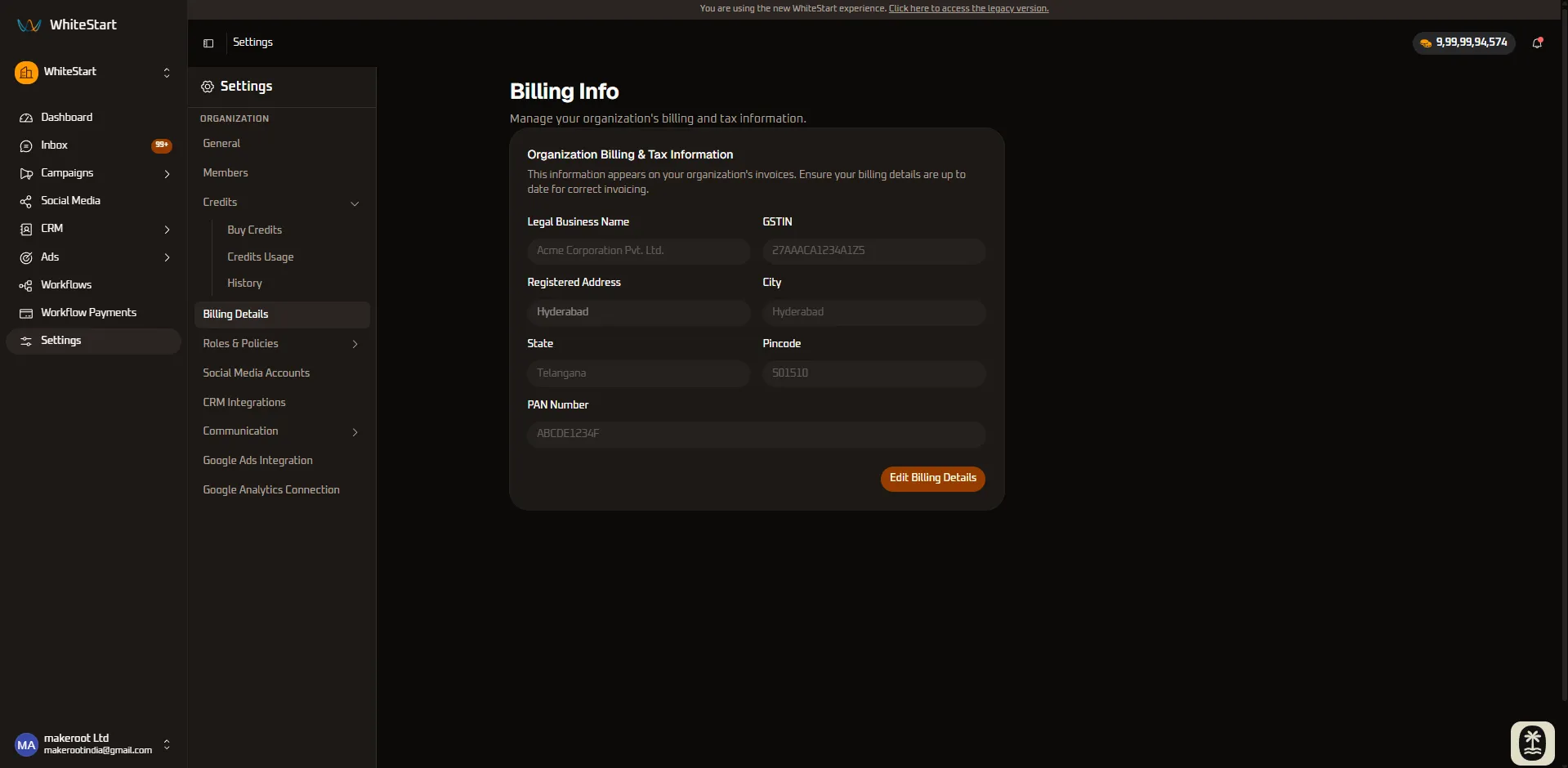
Section titled “What’s on this page?”When you navigate to Settings > Billing Details, you can configure and manage the primary financial details for your WhiteStart account.
Company Information
Section titled “Company Information”Ensure your invoices are always accurate by keeping your core business details up to date. You can provide the following specific details:
- Company Name: The official registered name of your business.
- Billing Address: Provide your complete location details, including the Street Address, City, State, and Country.
- Pincode / Zip Code: Ensure you enter the correct postal code (pincode) for accurate regional tax calculations and compliant invoicing.
- Tax Details (e.g., GST/VAT): Enter your applicable tax identification numbers to ensure proper tax deductions where applicable.
Payment Methods
Section titled “Payment Methods”Securely manage the cards and payment options linked to your account:
- Primary Card: The default payment method used for automated subscription renewals and credit purchases.
- Add or Update Methods: Easily add new credit/debit cards or update expiring ones to prevent service interruptions.
Invoices & Receipts
Section titled “Invoices & Receipts”Access a complete historical record of all your subscription and top-up payments. You can quickly download itemized PDF invoices for your accounting and record-keeping needs directly from this section.